
Your playlist, on the big screen.
MLZ IPTV Player is a fast, cinematic player for Android TV, Google TV and Windows. Add the Xtream Codes or M3U playlist from your own provider and browse live TV, movies and series with your remote or mouse.
MLZ IPTV Player does not sell or include any channels or content. You need a playlist from your own provider.
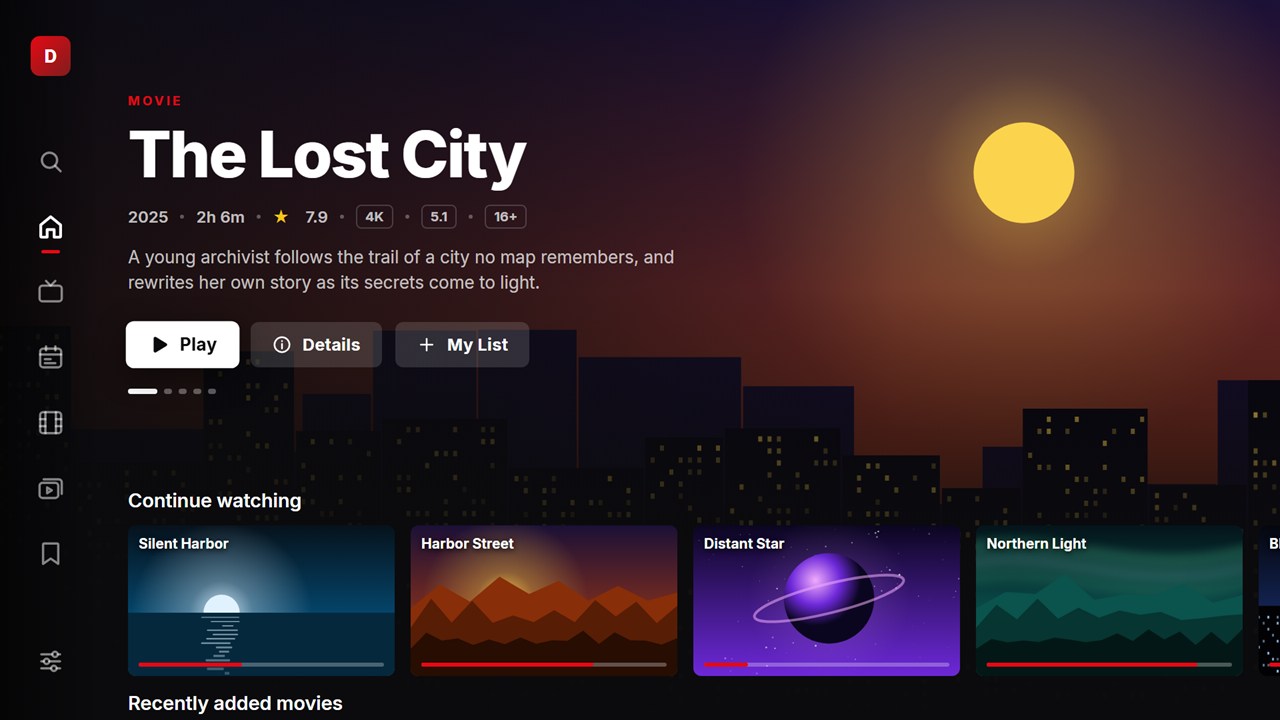
Take the tour
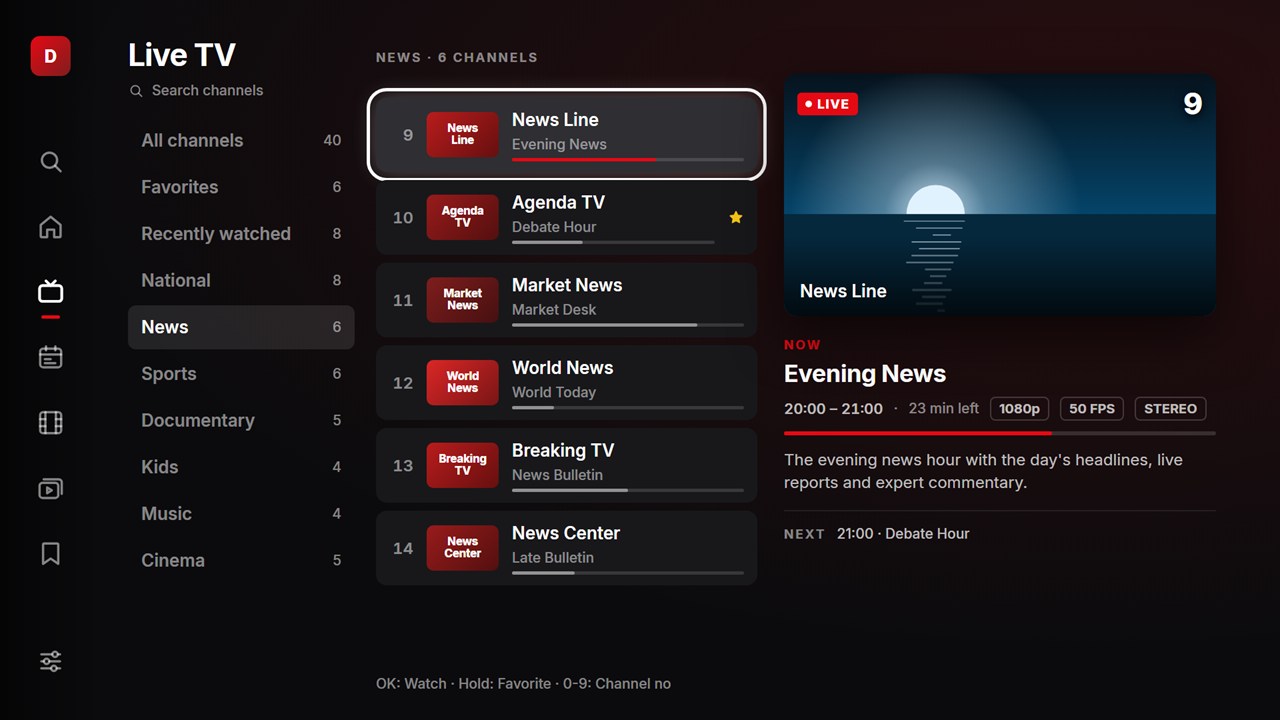
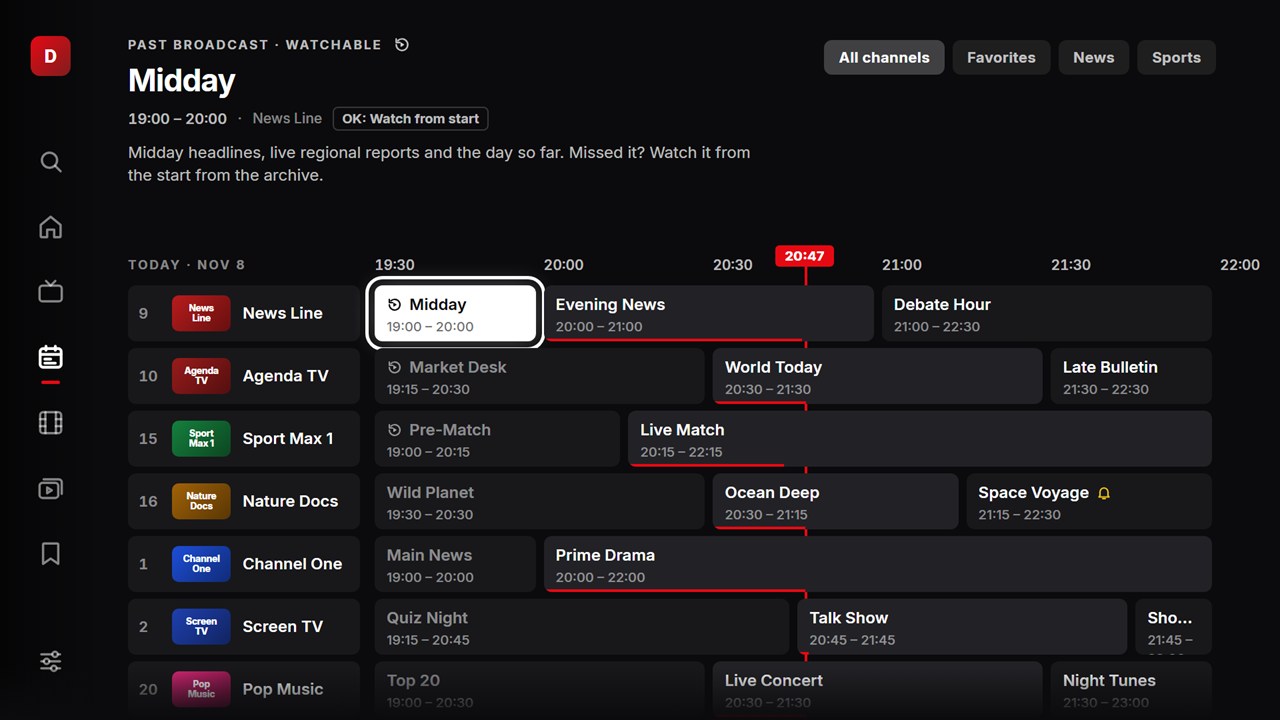
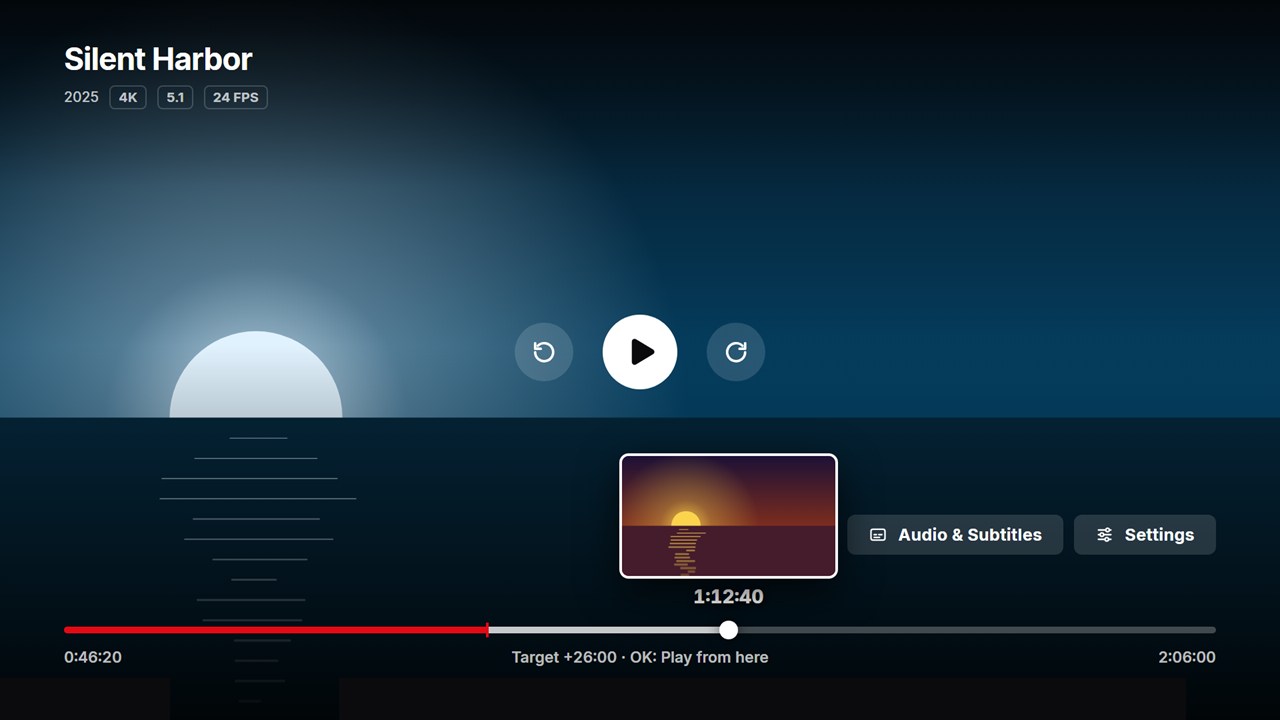
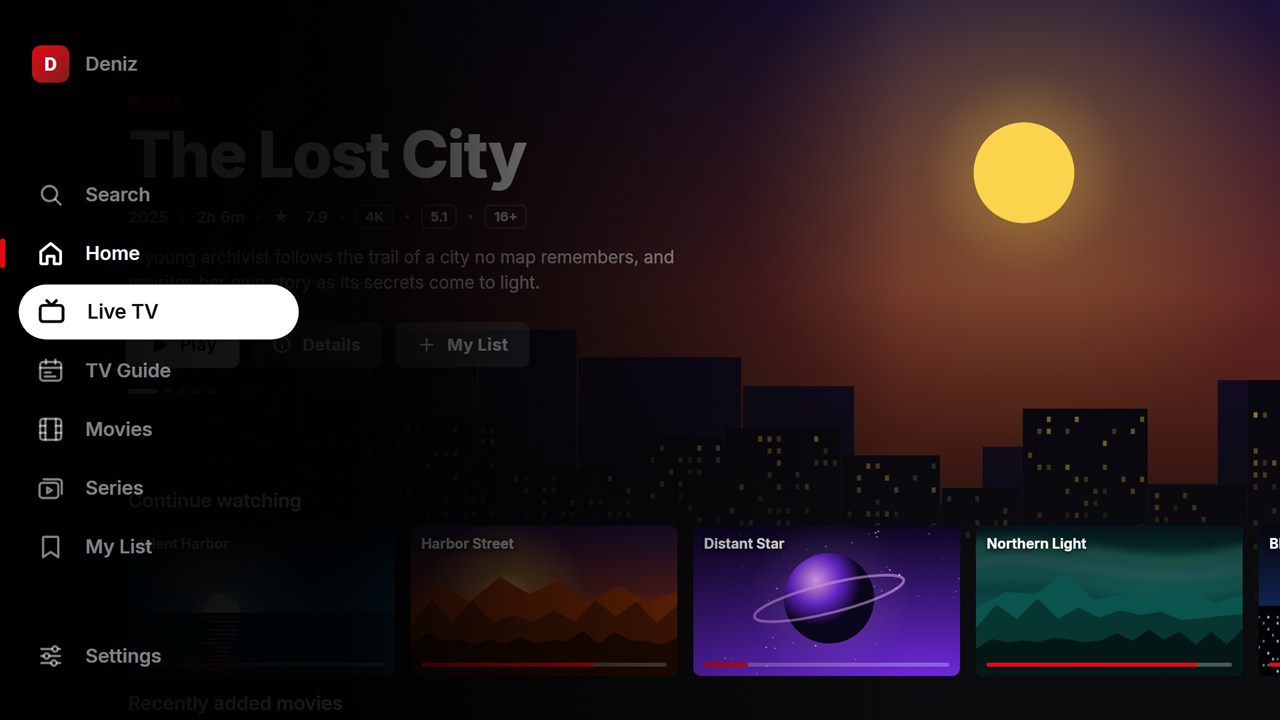
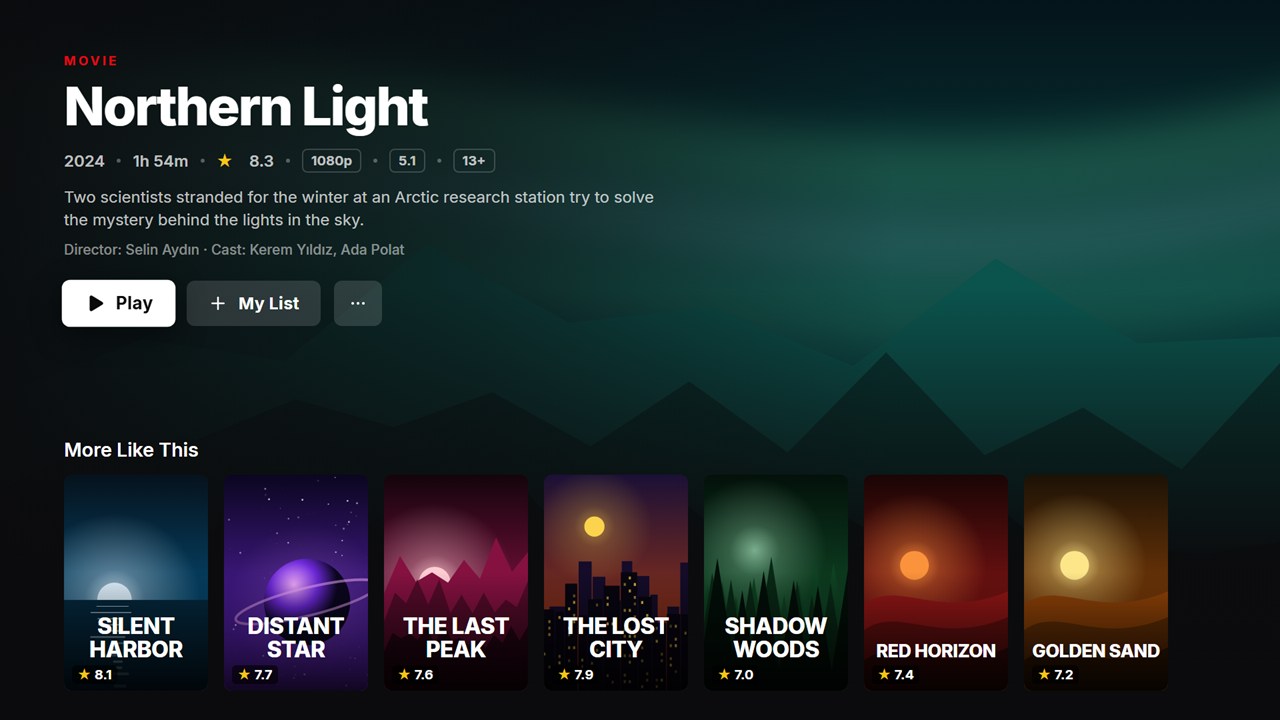
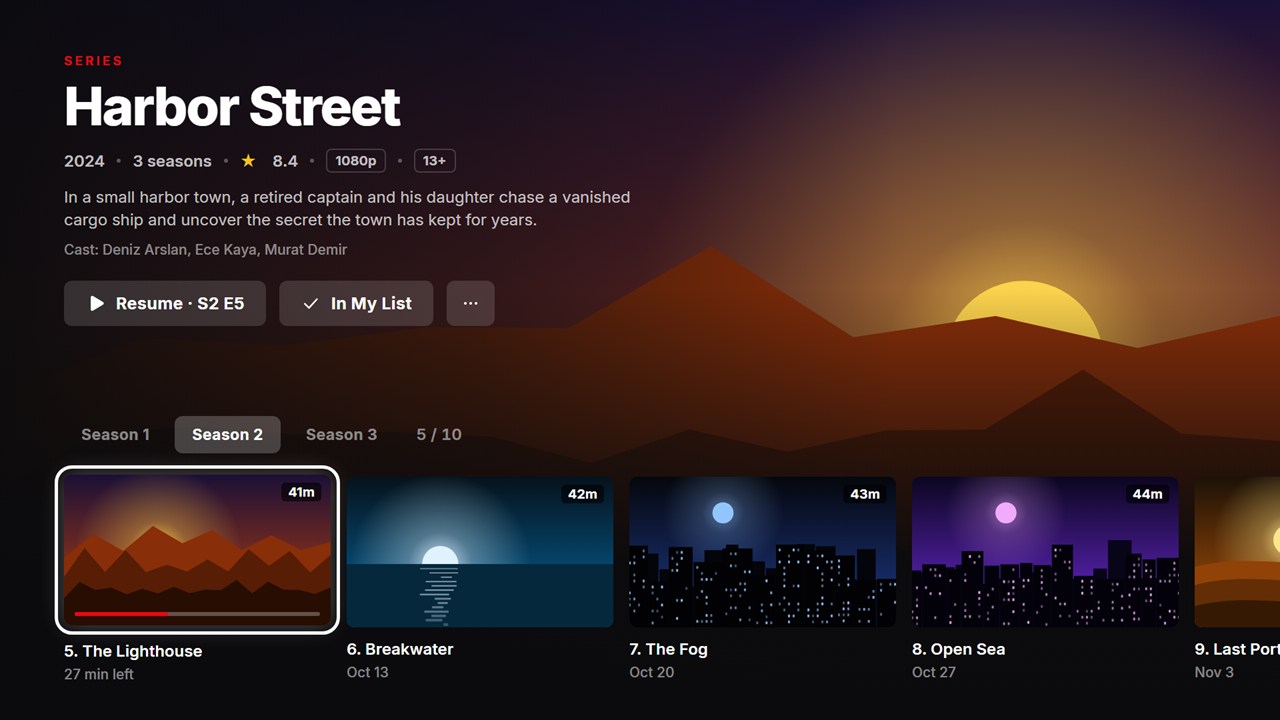
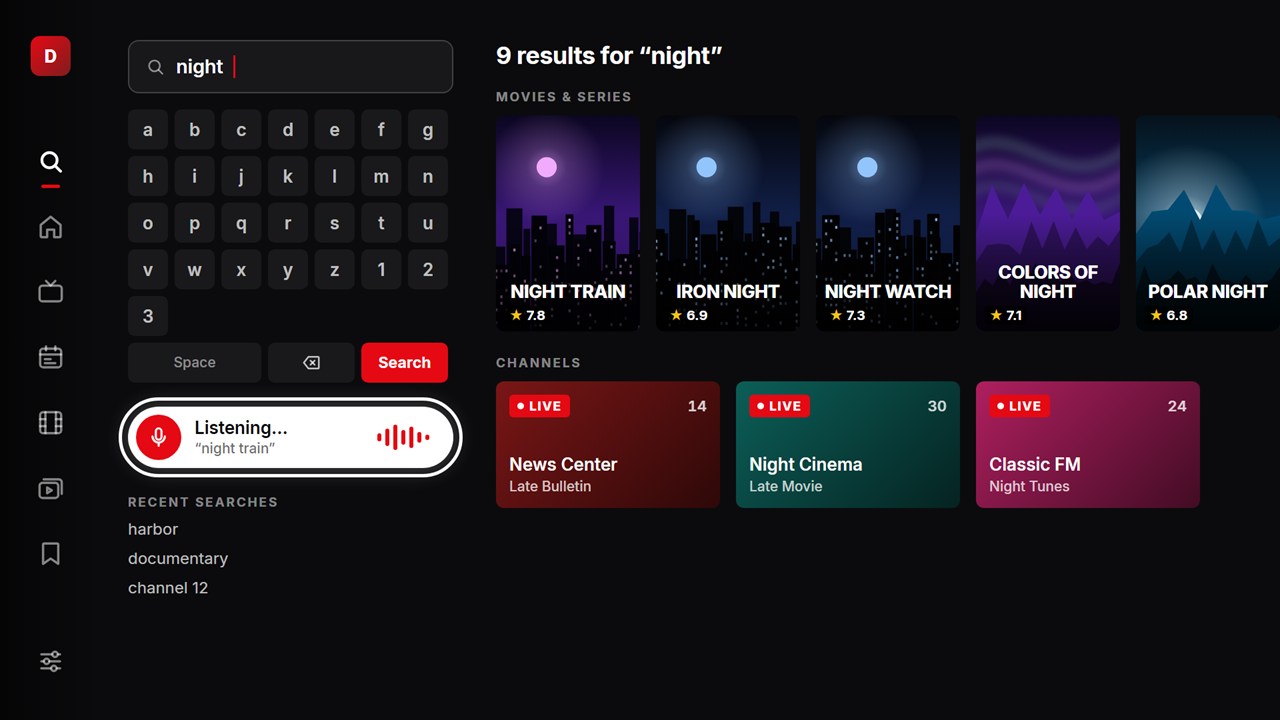
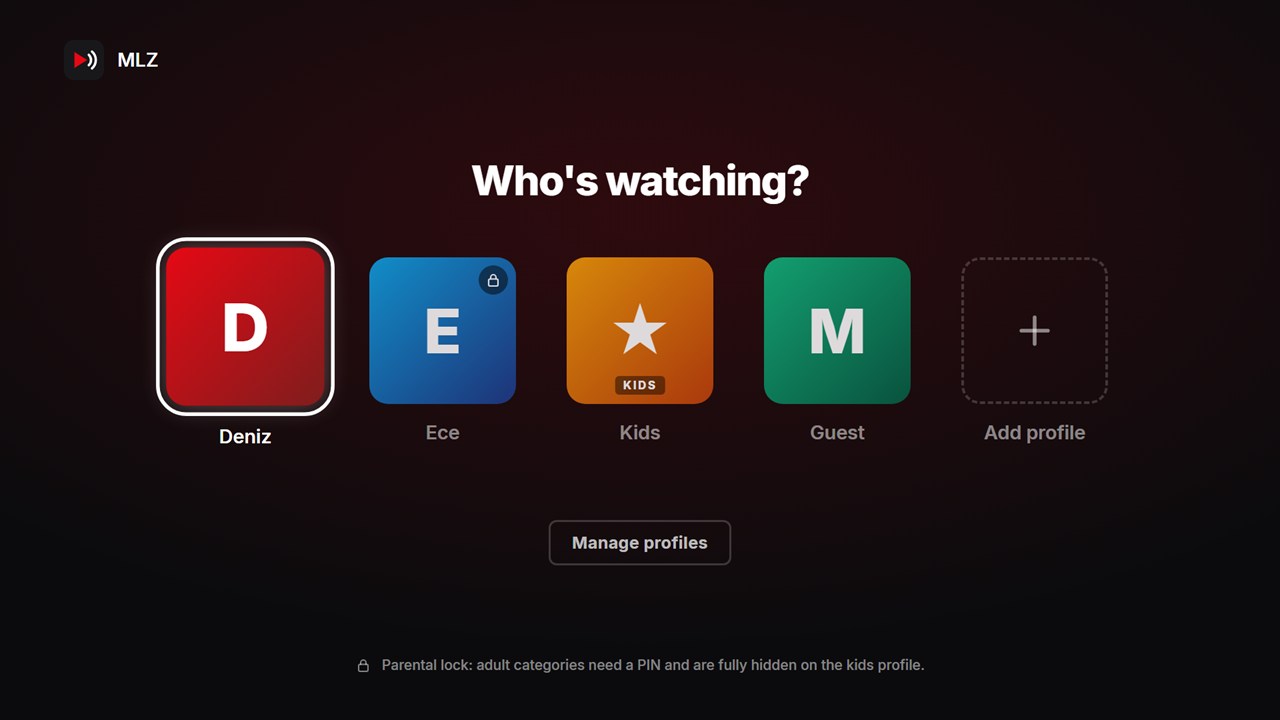
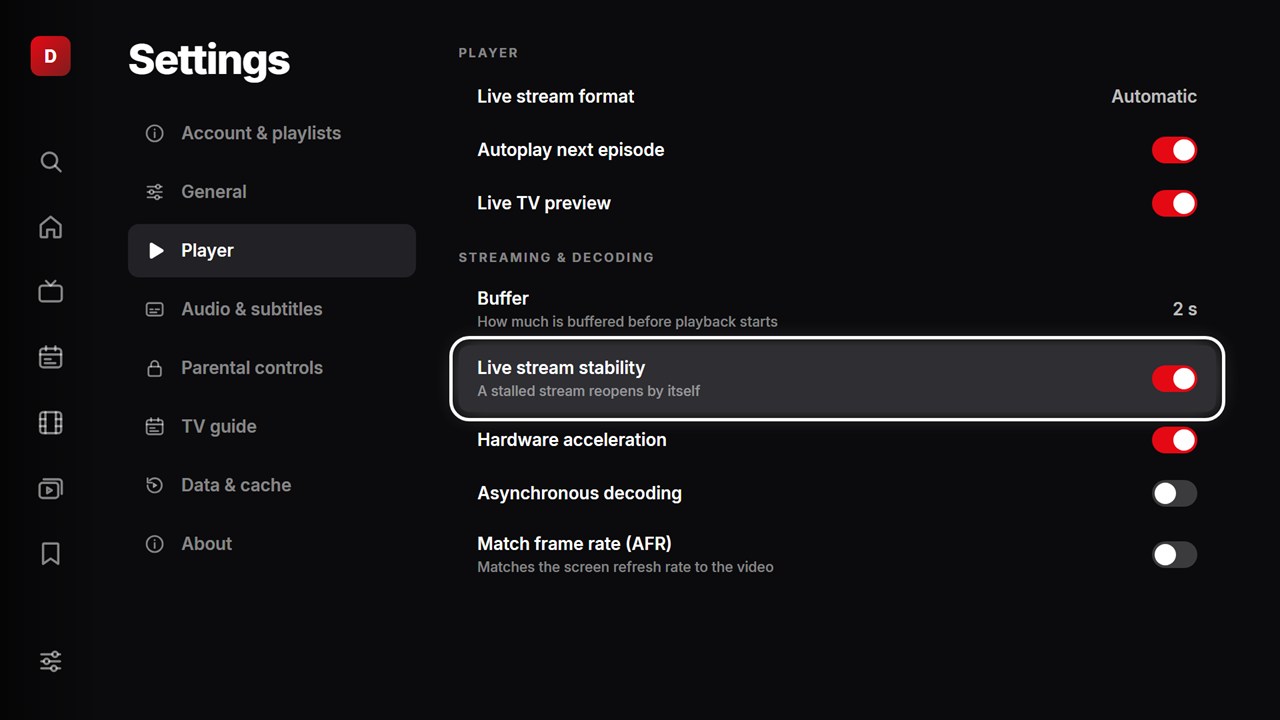
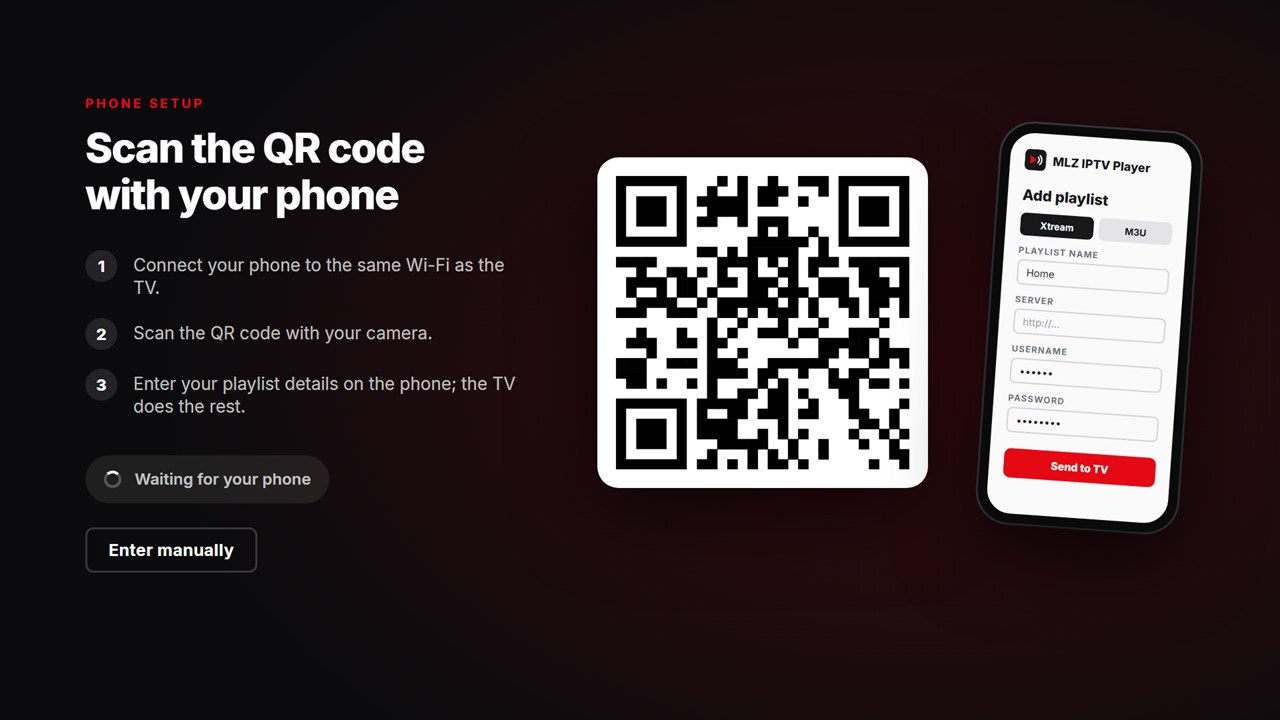
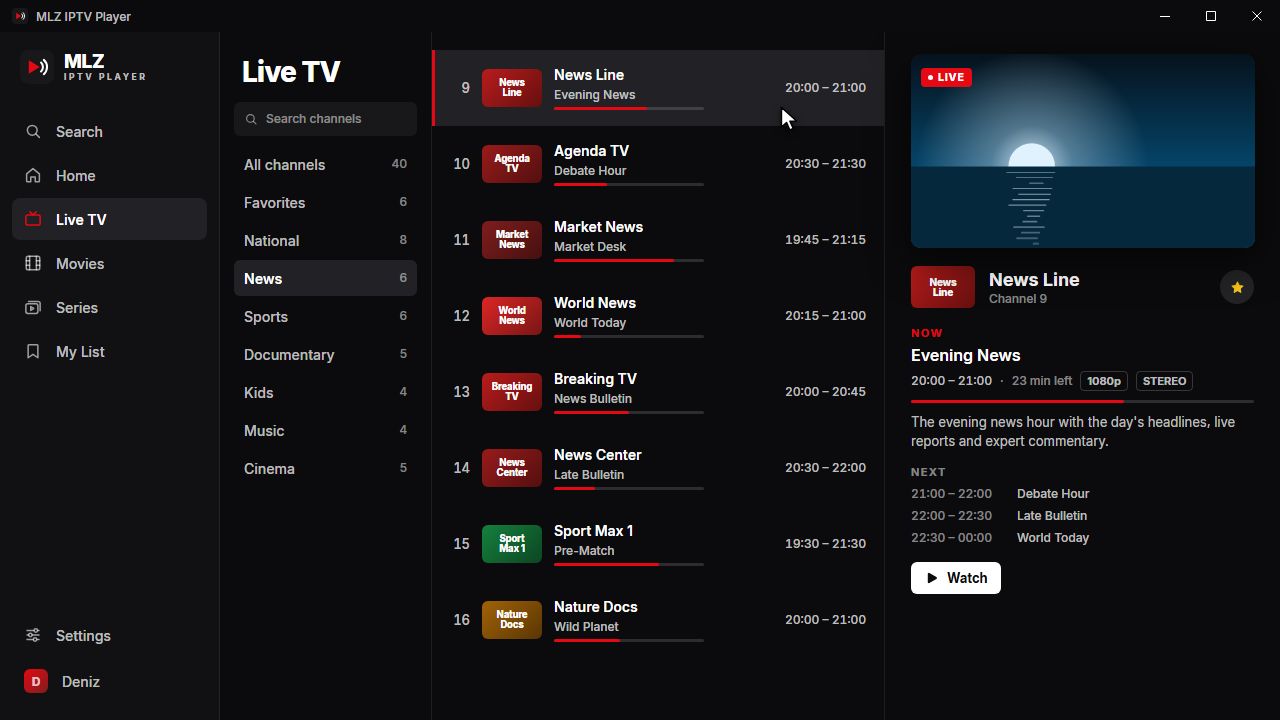
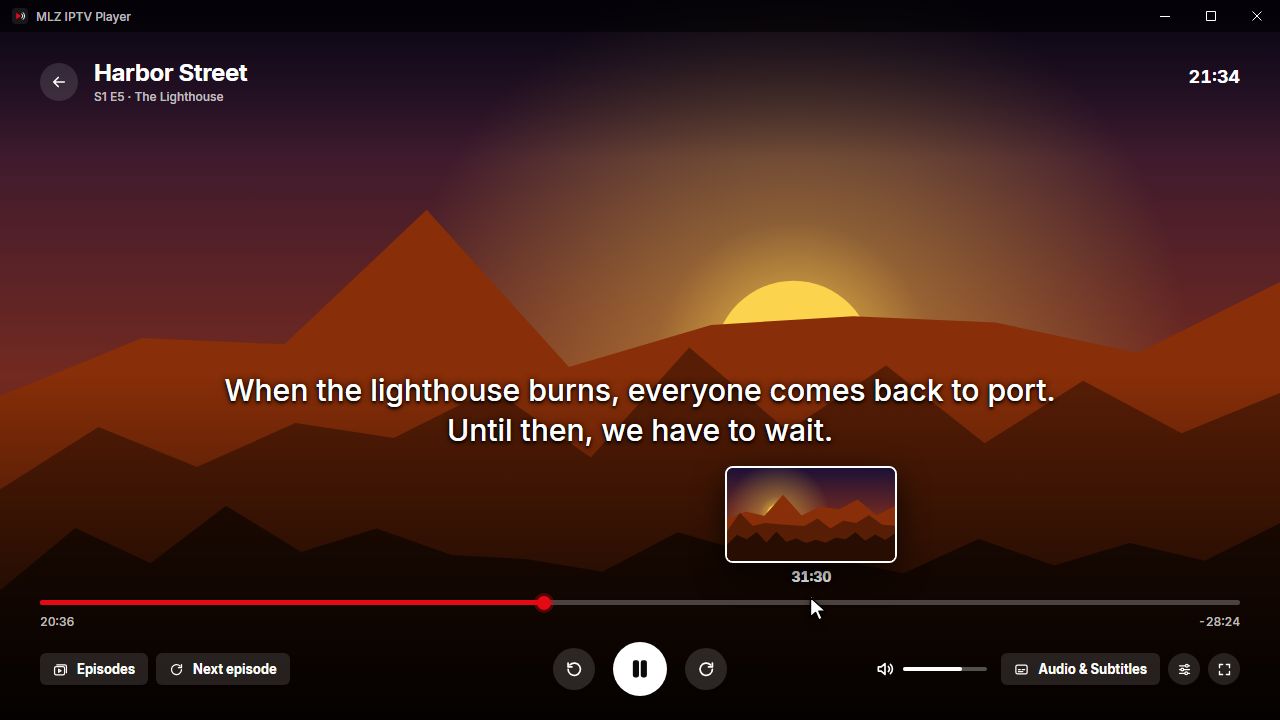
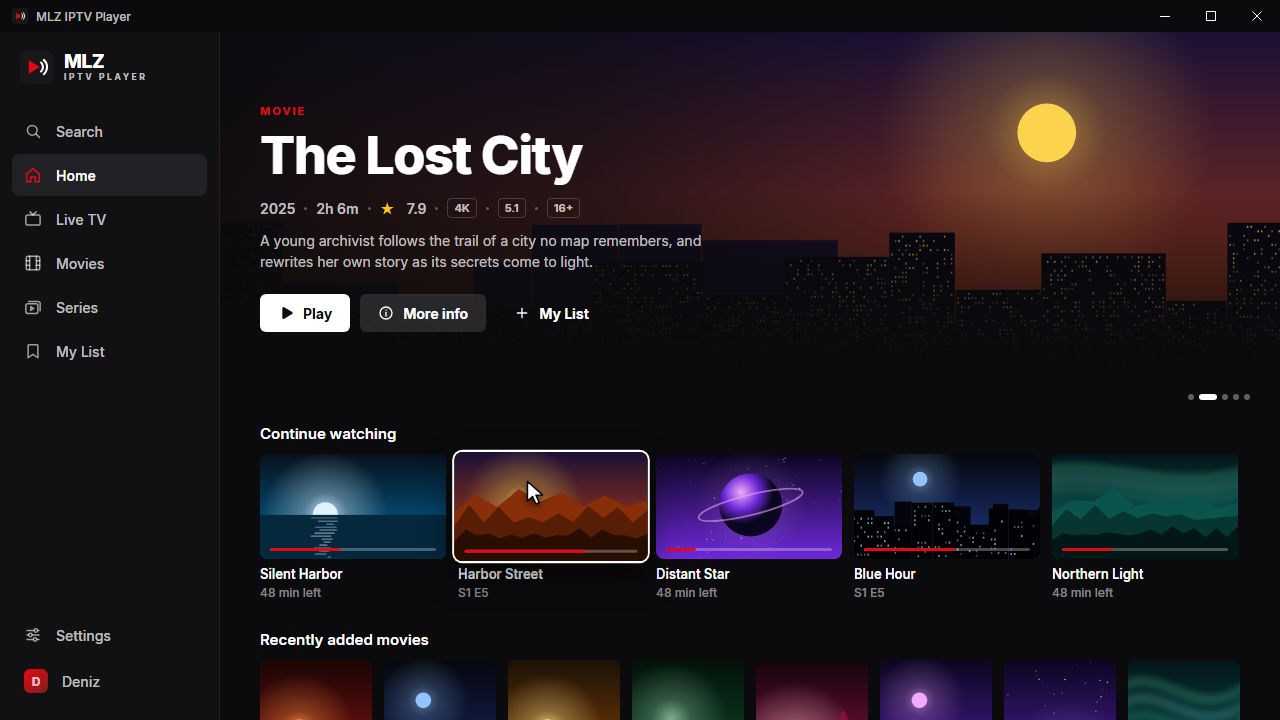
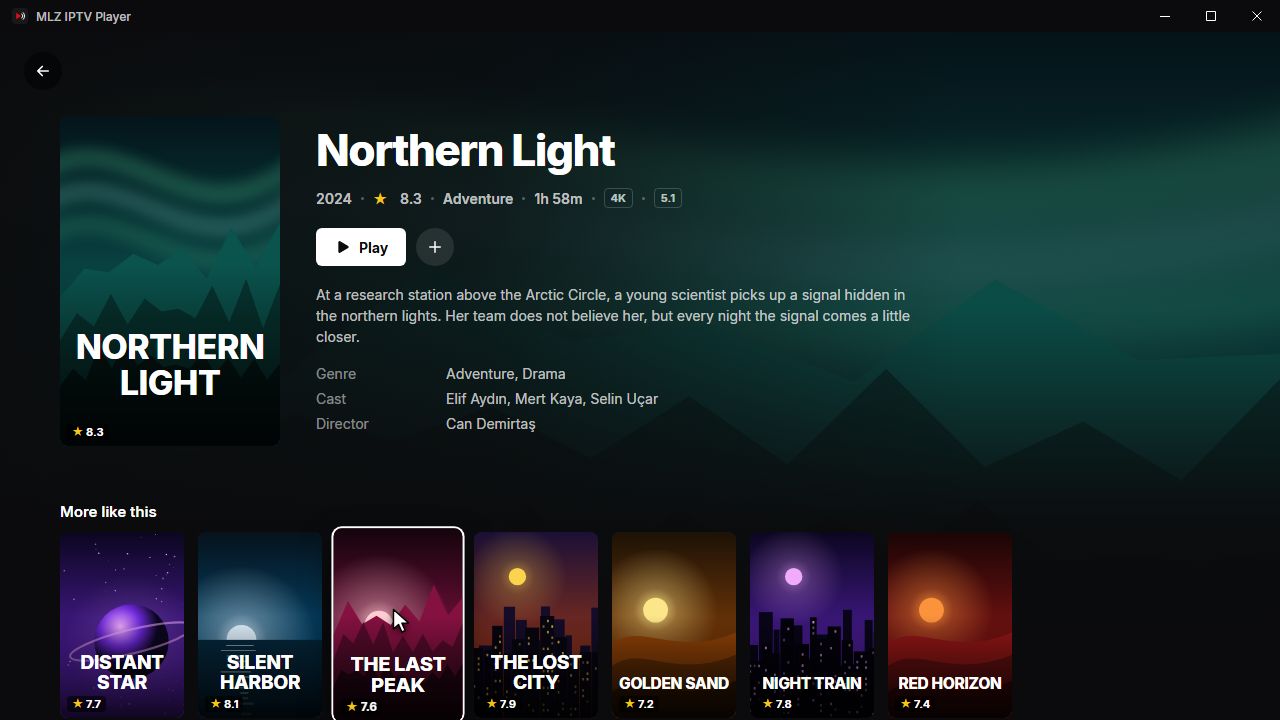
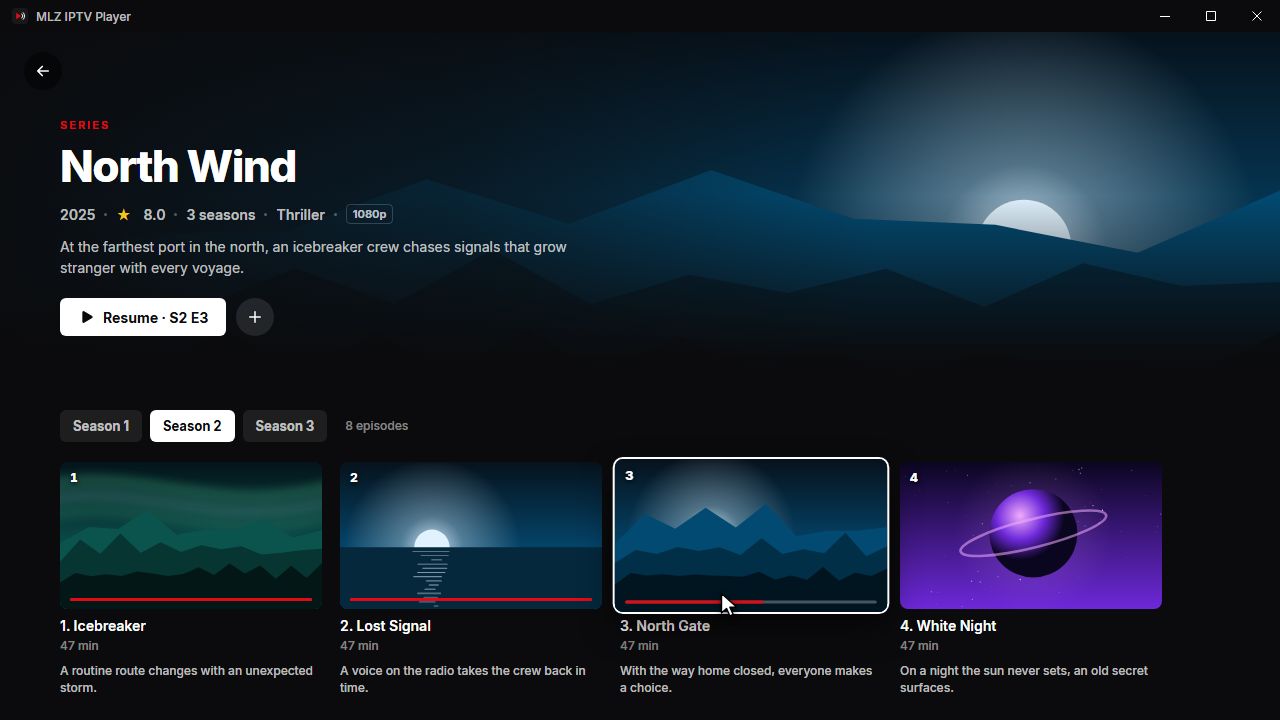
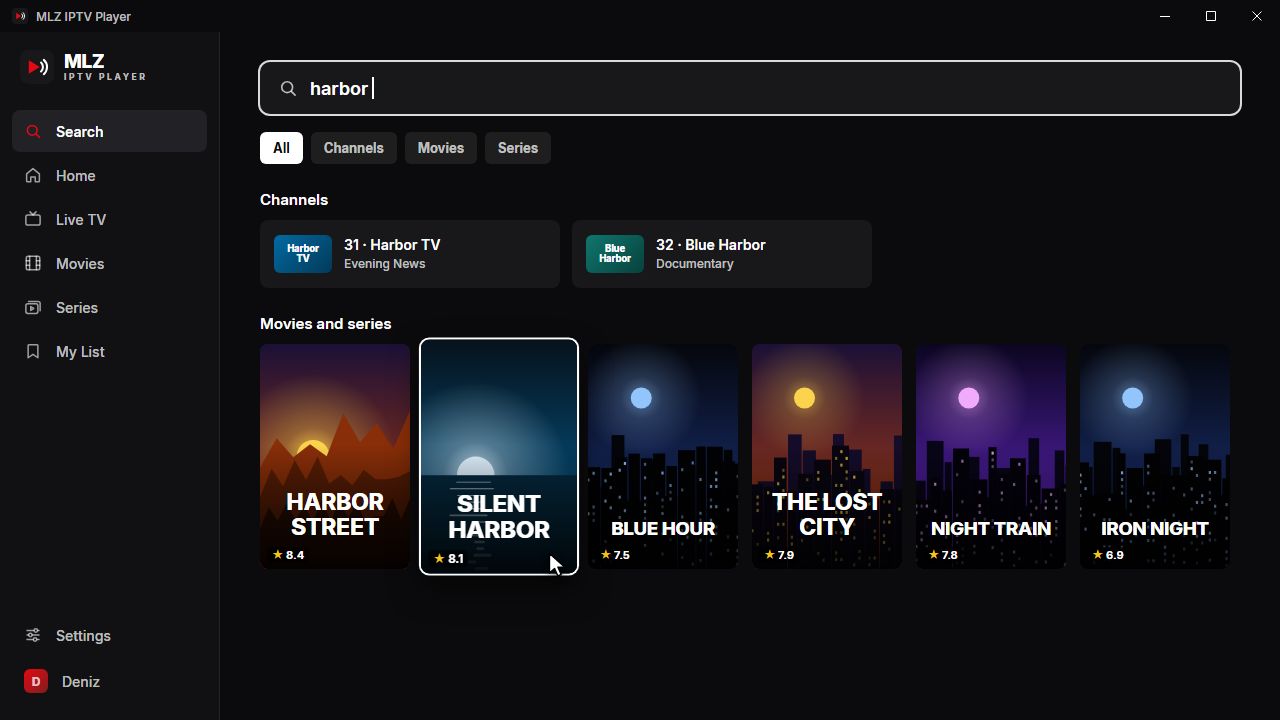
MLZ IPTV Player for Windows
The same player on your PC, made for the mouse and keyboard. It plays the MPEG-TS, AC3 and interlaced broadcasts that browsers can't, and keeps itself up to date.
Windows may show a SmartScreen prompt for new apps. If it does, choose More info → Run anyway.
Windows 10 and 11 · 64-bit
Also in the app
Xtream Codes & M3U
Sign in with your provider's Xtream Codes details or an M3U link. Add several playlists and switch between them.
Dolby, DTS and frame-rate matching
Surround sound can go straight to your TV or soundbar, and the screen can switch to the video’s frame rate for smooth motion.
12 languages
English, Turkish, Spanish, Portuguese, French, German, Italian, Dutch, Polish, Russian, Arabic and Chinese.
Open in another player
Prefer VLC or another player on your TV? Send any movie or episode to it from the More menu.
Where you can watch
On your TV and your Windows PC, with more devices on the way.
Android TV & Google TV
Launching soon
TVs with Google TV or Android TV built in, Google TV streamers and Android TV boxes.
Windows
Available now
Windows 10 and 11 PCs and laptops, with mouse and keyboard controls and automatic updates.
Phones & tablets
In development
The same player on iPhone, iPad and Android phones and tablets.
More TV platforms
Planned
Want MLZ IPTV Player on your TV or streaming device? Tell us which one at support@mlzplayer.com.
Private by design
No accounts, no ads, no analytics. Your playlists and watch history stay on your device.
Read the privacy policyQuestions or ideas?
We read every message. Write to support@mlzplayer.com or visit the support page.
Get support